
Video Posts · Posts that move
Listing, rate and market update posts, now as videos
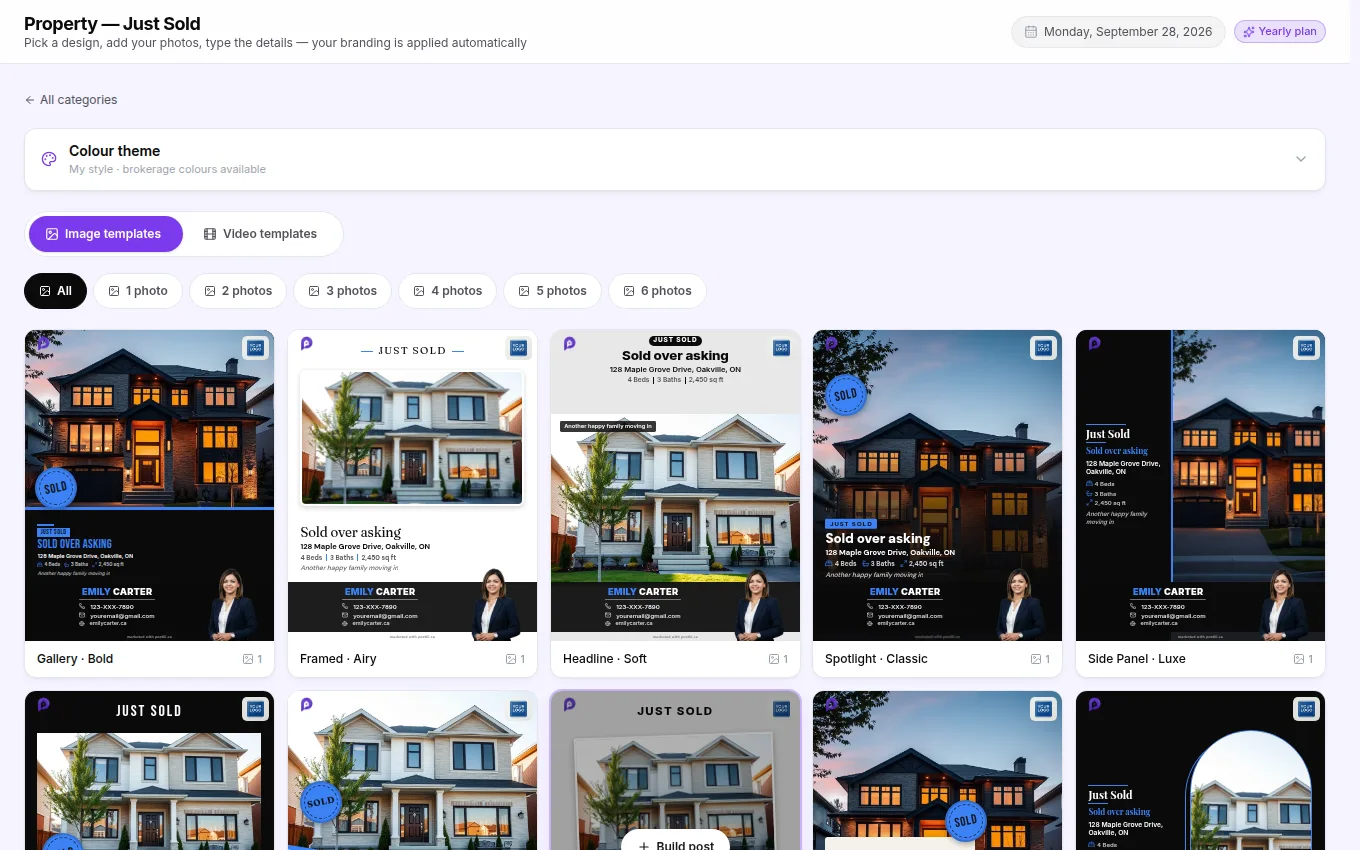
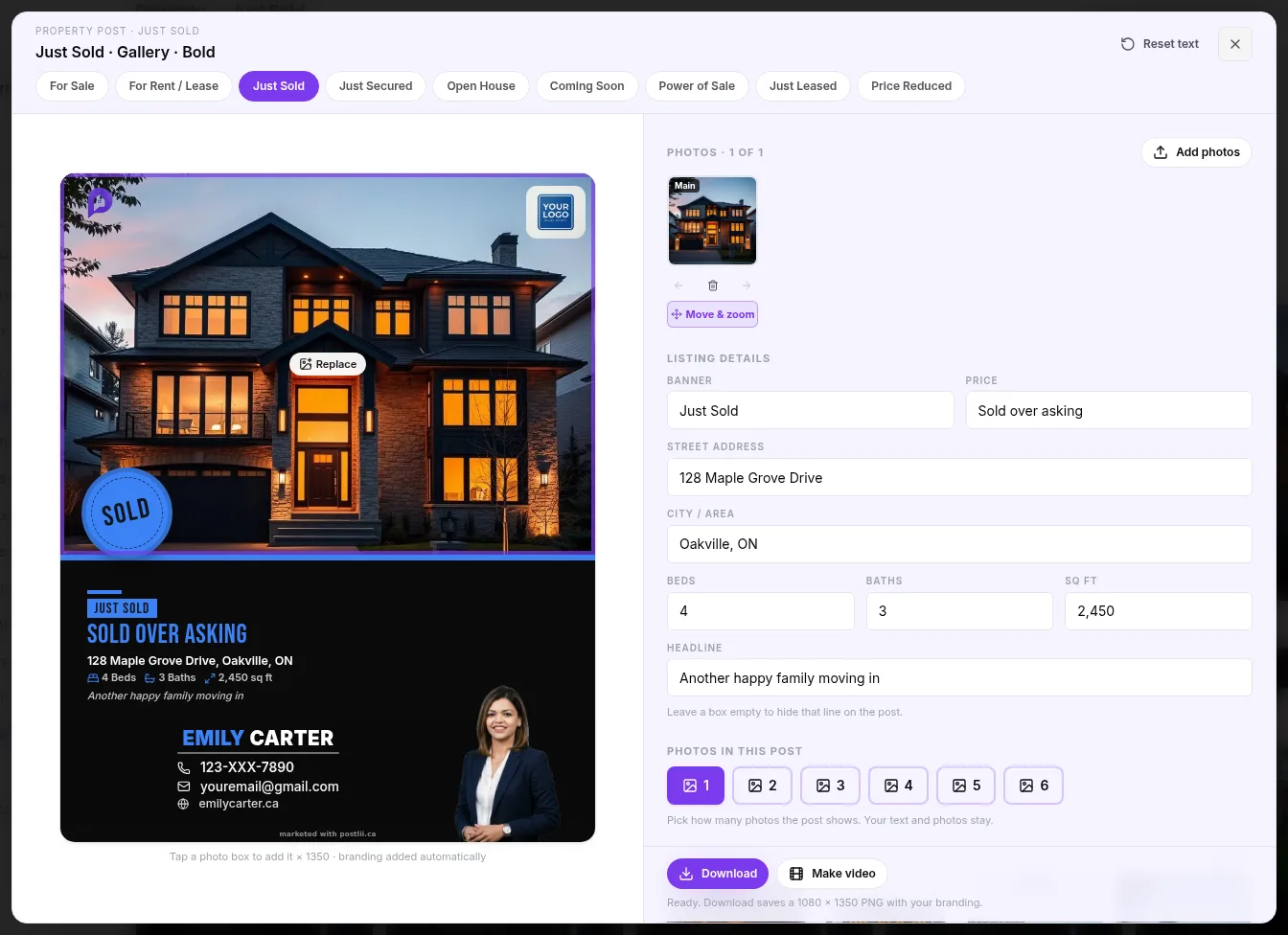
Build a property post, a Bank of Canada rate announcement or a market update the usual way, then press Make video. Your design stays exactly as you made it while the words animate in, with a light sweep, sparkles, a gold frame and more, plus music. Your branding stays fixed in place, and it downloads as an MP4 ready for your feed.
Why realtors love it
What you get with Video Posts
Every Studio post
Property posts (For Sale, Sold, Open House and more), interest rate announcements and market updates.
Effects that fit
Ten effects for each: light sweeps, spotlight rays, gold frames, sparkles, glitter, and confetti for a sale or a rate cut.
Music included
Each effect comes with a track that fades in and out, or turn the music off.
Ready for your feed
A 1080 × 1350 MP4 with your branding fixed in place, made on your device and downloaded straight to you.
How it works
Video Posts in 4 steps
FAQ
Video Posts questions
How long are the videos?
About 10 seconds, the right length for a quick feed post.
Does the design change?
No. The video is your exact design. Only the words animate in, and your branding stays fixed in place.
Do I need any editing app?
No. The video is made in your browser in a few seconds and downloads as a normal MP4.
Also in postlii
Your next month of posts is ten minutes away.
Start your 7-day free trial. No credit card needed.