
Virtual Tours · 360° walk-through
360° virtual tours of your listings, made from your phone
Now you can create a virtual tour of your listing from your phone or any device. Upload 360° photos or phone panoramas, tap to add arrows between rooms, and share one branded link, an MLS-ready link, a QR code or an embed for your website.
Why realtors love it
What you get with Virtual Tours
Shoot with any phone
Use a 360 camera, or your phone's own panorama mode. iPhone HEIC photos work too.
Tap to link rooms
Tap a doorway, pick the next room, done. Buyers walk through the home by tapping arrows.
Branded and MLS links
A branded link with your photo, contact buttons and brokerage logo, plus a clean unbranded link for MLS.
Share anywhere
Copy the link, download a QR code for signs and flyers, or embed the tour on your website.
Floor plans
Add a floor plan for each level with room dots, shown as a mini map buyers can follow.
Colour looks
Give the whole tour a look such as Bright, Warm or Crisp. Your original photos are never changed.
You choose how long it's live
Pick how many days the link stays live. Renew it any time, and your photos are kept.
Many at once
Select one, several or all of your tours to publish, unpublish or delete them together.
How it works
From photos to walk-through in four steps
No special software and no one to hire. If you can take a photo, you can make a tour.
Upload your photos
One 360 or panorama photo per room, straight from your phone or computer.
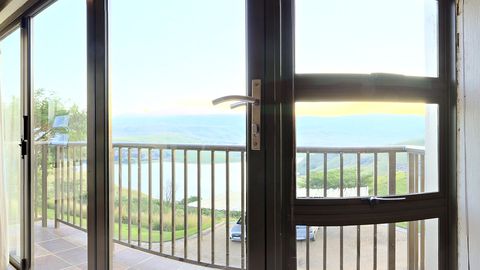
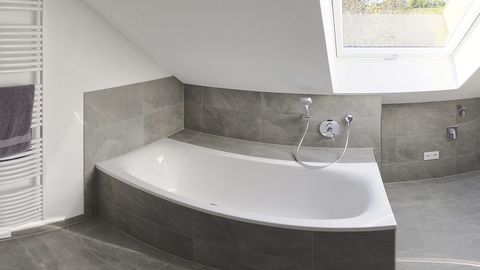
Add arrows
Tap a doorway and pick the room it leads to. Add info points for features buyers love.
Add the details
Address, beds and baths. Your photo, contact card and brokerage logo come in automatically.
Publish and share
Choose the branded or MLS link, print the QR code, or embed it on your website.
Optional photo looks
One look across every room
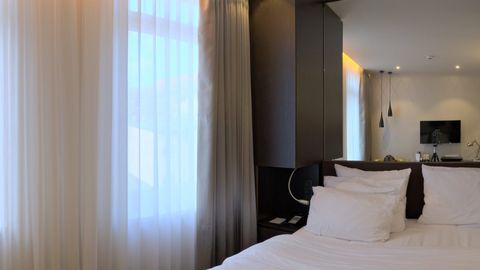
Pick a colour look and every photo in the tour matches. Your original photos are kept, so you can switch back any time.
FAQ
Virtual Tours questions
Do I need a 360 camera?
No. A 360 camera gives the best result, but your phone's panorama mode works too. Take one photo per room from the middle of the room.
Is there a cost per tour?
No. Virtual tours are included in your postlii plan, with no charge per tour.
Can I post the tour on MLS?
Yes. Every tour has an MLS link with no branding or contact details, as MLS boards require.
Can I put it on my website?
Yes. Copy the embed code from the Share step and paste it into your website or blog.
Can I change it after sharing?
Yes. Every edit saves automatically and the same link shows the latest version. You can also unpublish it at any time.
Also in postlii
Your next month of posts is ten minutes away.
Start your 7-day free trial. No credit card needed.